
Auto-Research
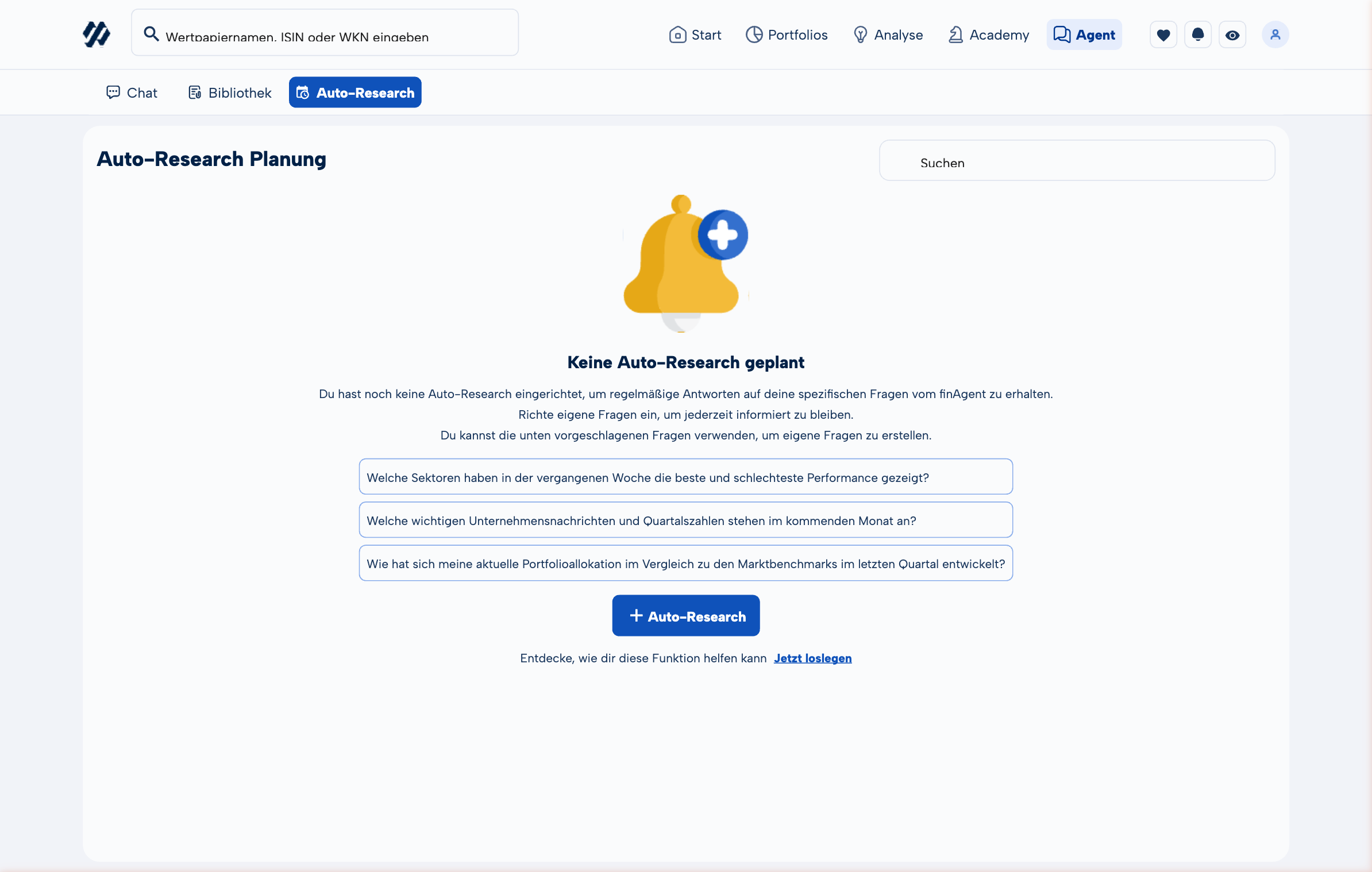
Let MoneyPeak do the work for you. Define once what you want to know regularly — and receive the answers automatically, on your schedule, through your preferred channel.
Setting Up an Auto-Research
- Open finAgent and click "Recurring Analyses" (or the clock icon).
- Click "New Analysis".
- Write your research question — just as you would in a normal finAgent chat (e.g. "Give me a summary of the most important AI developments from the past week").
- Choose the frequency: daily, weekly, or monthly.
- Choose your delivery channel: on the platform, via email, or via WhatsApp.
- Save the analysis — that's it.
The more specific your question, the more useful the answer. Instead of "What's new?" try: "Which analyst ratings for my positions have changed this week?"
Example Use Cases
Watchlist Monitoring
Which analyst ratings for my watchlist stocks have changed this week?
Weekly · Email
Were there any new SEC filings or insider purchases at Apple or Microsoft?
Weekly · Platform
Which earnings are coming up this week, and what is the market expecting?
Weekly · WhatsApp
Dividend Strategy
Which Dividend Aristocrats raised their dividend this week?
Weekly · Email
Which of my positions are paying dividends next month?
Monthly · Platform
Macro & Markets
What has the Fed signalled this week, and how are rate markets reacting?
Weekly · WhatsApp
Summary of the most important AI news and product announcements from the past week
Weekly · Email
Monthly overview: how has the European real estate market developed?
Monthly · Platform
Managing Your Analyses
All your configured Auto-Researches are accessible under finAgent → Recurring Analyses. From there you can:
Edit
Update the question, frequency, or delivery channel at any time.
Pause
Temporarily disable — useful when you're away or on holiday.
Run Now
Execute the analysis immediately without waiting for the next scheduled run.
Delete
Remove analyses you no longer need.
Combined with finAgent & Library
Auto-Research and finAgent work hand in hand. When you receive an Auto-Research result, you can click directly into it to open the corresponding finAgent chat — to dig deeper, ask follow-up questions, or relate the analysis to your portfolio.
All Auto-Research results are automatically saved to your Library. That means you always have access to past analyses and can track how situations have developed over time.