
Share Portfolios
Share your portfolio with your financial advisor, friends, or family — via a link, with no account required on their end.
How It Works
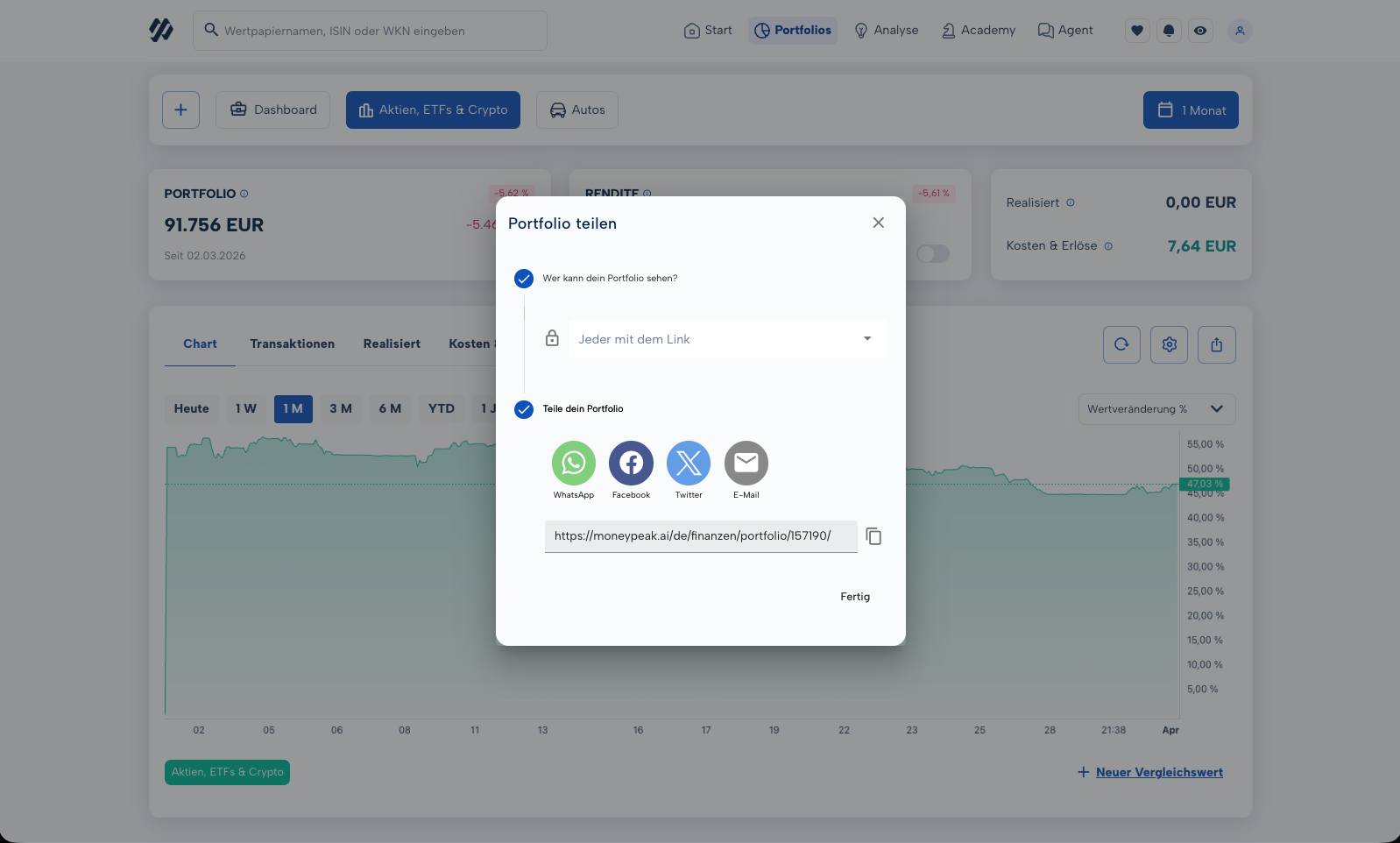
- Open your portfolio and click the lock icon above the chart
- Select "Anyone with the link" to enable access
- Copy the generated link and share it
Important: Anyone with the link can view your portfolio — not just the person you sent it to. Treat the link as sensitive information and share it only with people you trust.
Revoking Access
Click the lock icon again and select "No one" — access is revoked immediately and the link no longer works.